
Getting Started At Breathe Fitness 🤍
Welcome to Breathe — we’re so happy you’re here.
Whether it’s your first class or your first time back in a while, this guide will help you get set up and ready for your experience in the studio.

📲 Step 1: Create Your Account
Download the Breathe Fitness App or the WellnessLiving Achieve App, and search for Breathe Fitness (Squamish).
You’ll be able to create your account and manage everything directly from there.
Please use a valid email address to complete your setup. We authenticate your identity through email, and this is where password reset links will be sent.
👤 Step 2: Complete Your Profile
Before booking your first class, please:
• Complete your personal profile
• Sign the liability waiver
• Add a valid credit card for secure identity authentication
• Upload a profile photo so our team can recognize you
This helps create a smooth, safe, and welcoming experience when you arrive.

💳 Step 3: Choose Your Pass or Membership
Browse options in the Breathe Fitness App (Store) and select the pass or membership that works best for you.
✨ We recommend our 1-Month Unlimited New to Breathe Membership — a great way to explore classes, meet our coaching team, and find a rhythm that works for your schedule.
📅 Step 4: Book Your First Class
Once your account is set up, you’re ready to go > Book directly in the Breathe Fitness app.
🧘♀️ What to Expect
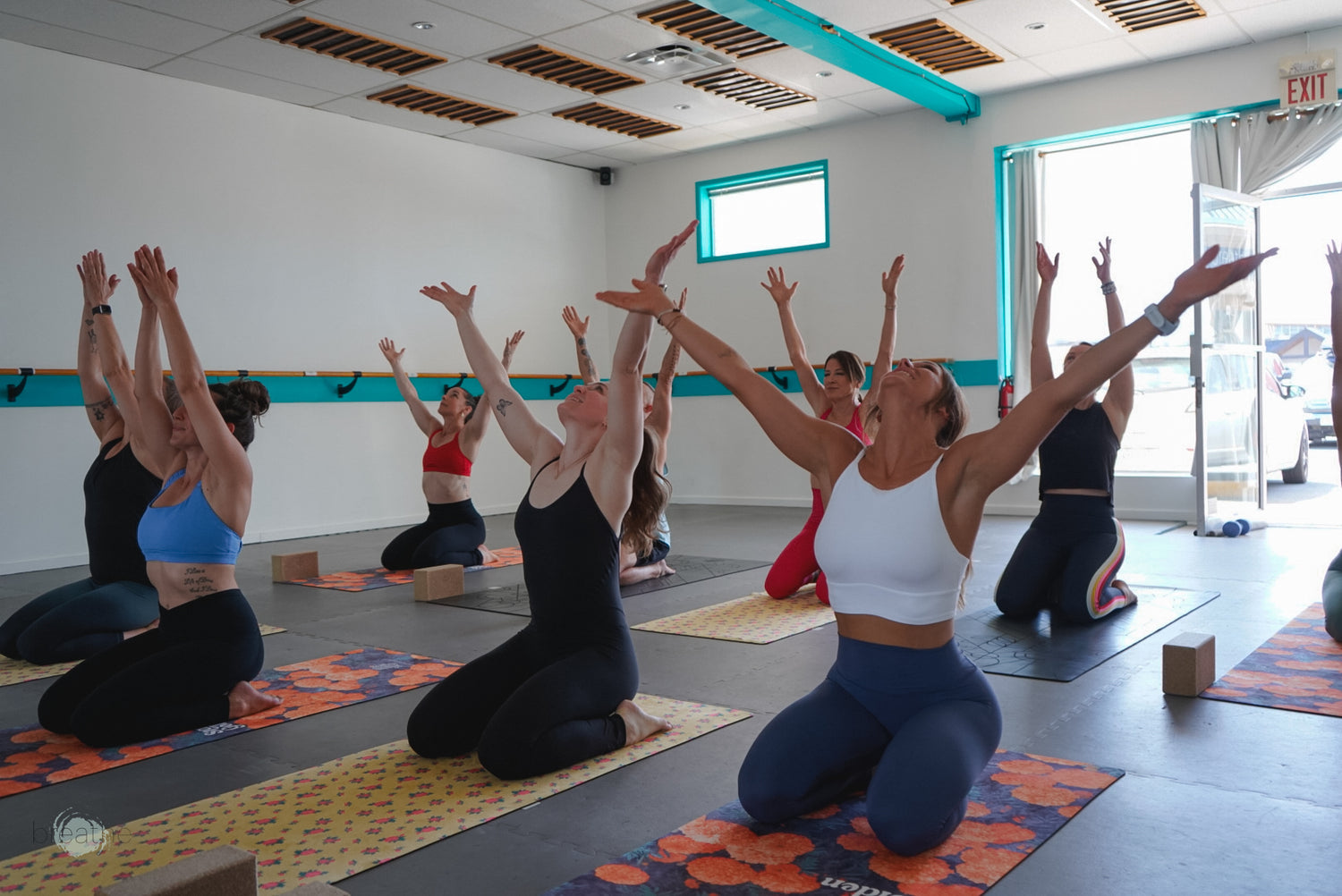
• Arrive 10–15 minutes early
• Bring water (electrolytes recommended for infrared classes)
• Wear comfortable workout clothing
• Expect to sweat — and feel amazing after
Each class finishes with our signature cold aromatherapy towels, helping you reset, regulate your nervous system, and leave feeling grounded and refreshed.

🔐 Privacy + Security
At Breathe, your privacy and security are our top priorities. To help protect your account:
• All account-related support is handled via email only
• We do not manage account requests in person, by phone, text, or social media
• Please avoid discussing personal account details within the studio
If you’ve forgotten your password:
• Request a reset directly through the Breathe Fitness App
• Or email us and we’ll request a reset link on your behalf
We do not have access to personal information, passwords, or private data.
🤍 We’re Here to Help
If you have any questions or need support getting started, feel free to reach out — we’re always happy to help.
We look forward to welcoming you into the space ✨
helpful guides for managing your account with breathe fitness
setting up your account on the breathe fitness app
*you must sign up using a valid email to complete account setup.

purchasing a membership
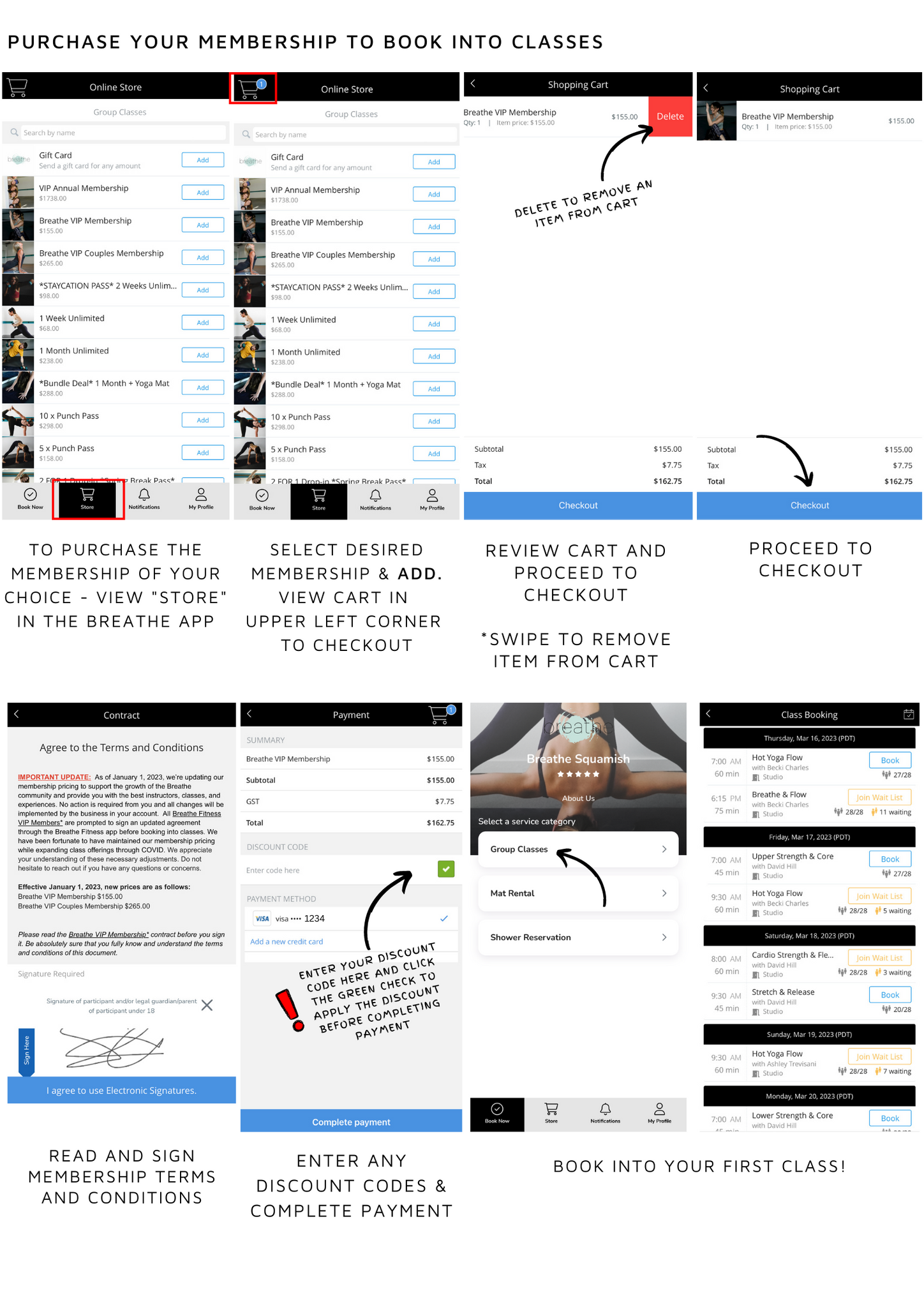
booking, managing your classes, and waitlisting


yoga mat and studio shower reservations


setting up account notifications
Never miss a breath! Ensure notifications are set up on your Breathe Fitness account.
